Where the trading happens
Run the full cockpit on the big screen: configure your copiers, set risk, and dig into your journal.
Tradesyncer runs on web, Windows, macOS, iOS and Android. And because the copier lives in the cloud, your trades keep mirroring whether your device is on or not. Close the laptop, the copying keeps running.
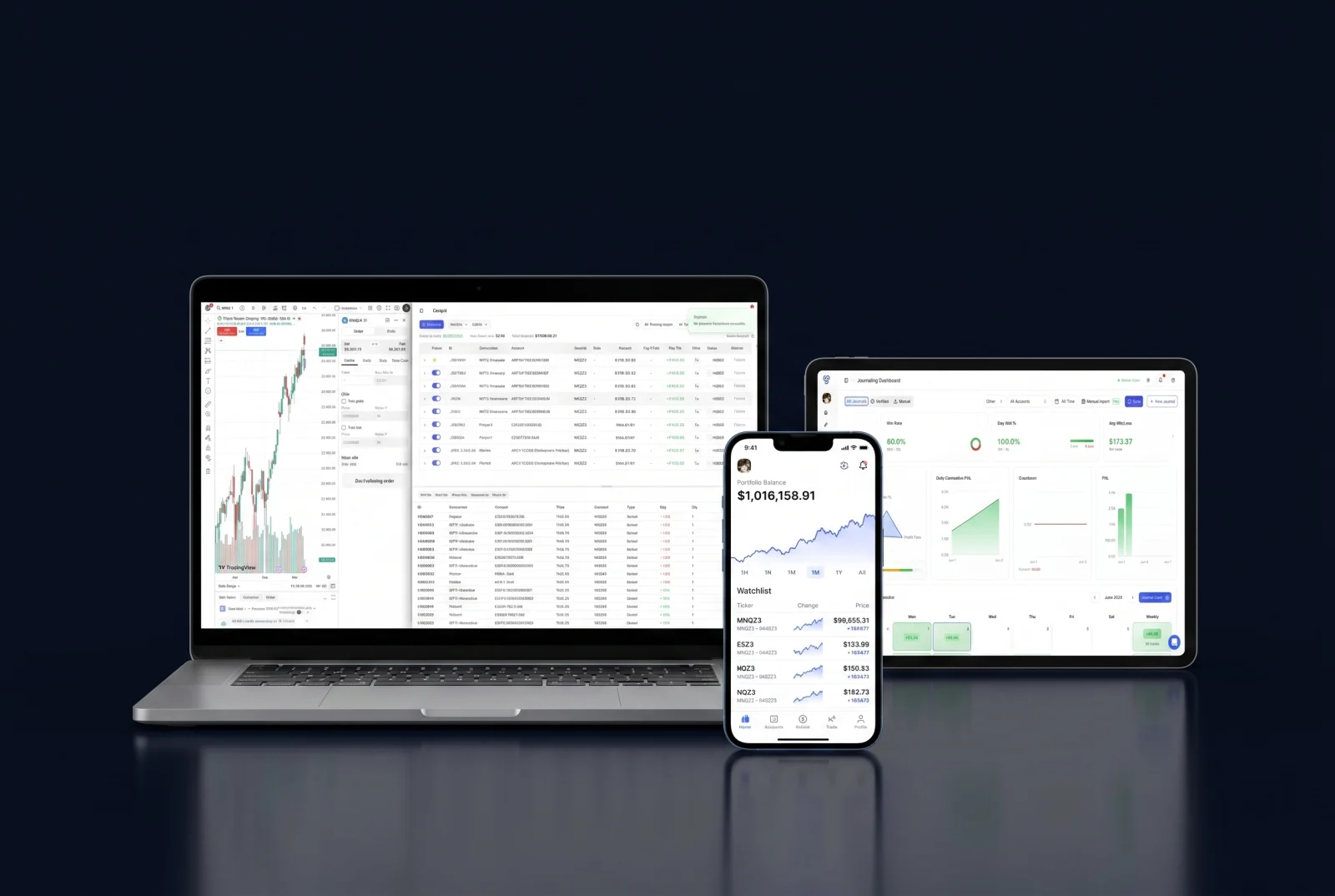
The platform is fully responsive, so you can monitor accounts, manage risk and act on the go, with nothing to install and nothing to keep open.
Check every account, P&L and open position from your phone, wherever you are.
The copier runs in the cloud, so trades keep mirroring even with your phone in your pocket.
Hit your lockout or adjust a limit from anywhere, across every connected account.
Start on desktop, finish on mobile. Your accounts and journal stay identical everywhere.
Desktop for the deep work, mobile to stay on top of it, and the cloud keeping everything in sync.
Run the full cockpit on the big screen: configure your copiers, set risk, and dig into your journal.
Check every account, P&L and open position, adjust a limit, or hit your lockout from anywhere.
The copier runs server-side around the clock, so trades keep mirroring whether your devices are on or off.
Running Tradesyncer across your devices.
Tradesyncer runs on web, Windows, macOS, iOS and Android, so you can check accounts and act from your phone as well as your desktop. The copier itself runs in the cloud, so it keeps mirroring trades whether your device is on or off.
Yes. Copying happens in the cloud, not on your device, so trades keep mirroring across your accounts even with everything closed. There's no VPS to keep online.
Check every account, P&L and open position, adjust a risk limit, and hit your lockout across every connected account. The heavier setup work is easier on a desktop.
No. Tradesyncer is cloud-native and runs in your browser, so there's nothing to install or keep open.
Yes. Try Tradesyncer free for 7 days. Card required, no charge until day 7, cancel anytime.
Join 25,000+ traders who run Tradesyncer across every device. Try it free for 7 days, no charge until day 7.